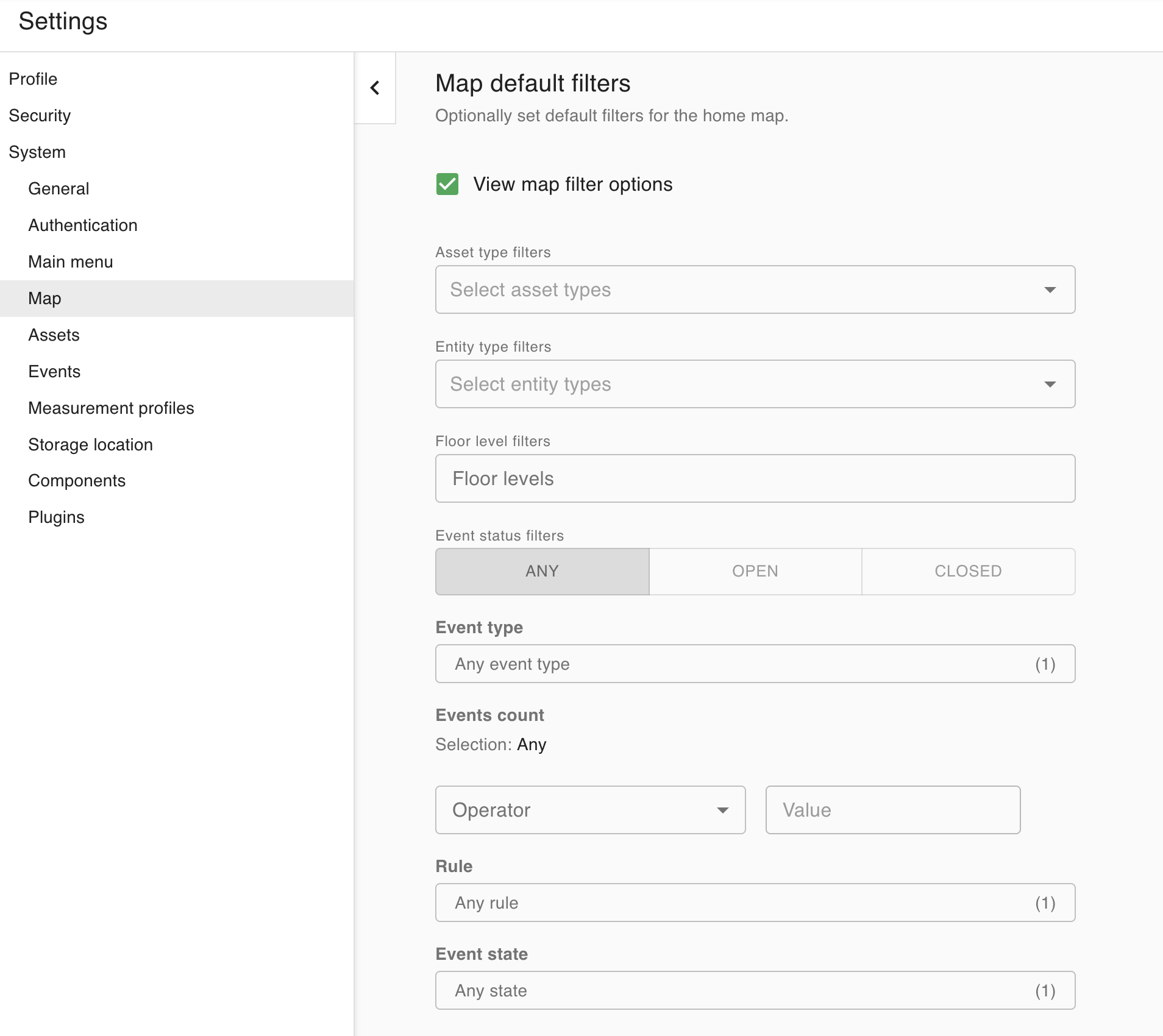
Accessing the Map default filters
-
Click the User icon (

-
Navigate to Map on the left, under System.
-
Scroll down past the Map defaults section to the Map default filters section. Click the View map filter options checkbox to display and hide the options
-
You will see the same map filters that show up on the Home screen. Configure any of the filters here and they will show up when you navigate to the Home page.