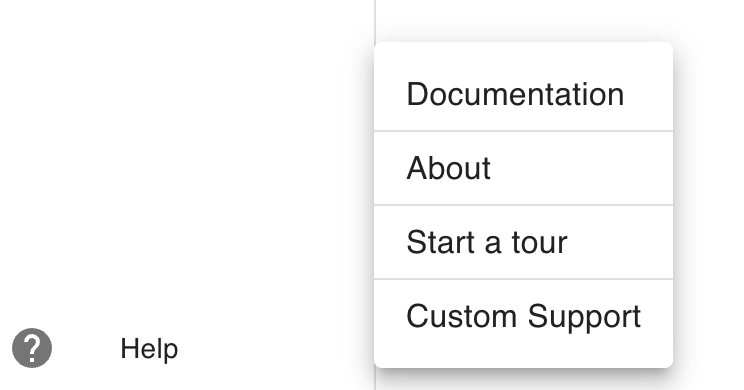
Setting a custom support link
This setting allows a custom support link to be used in the Help menu instead of the ClearBlade pop-up. This is useful for those who have their own ticketing system that they’d like to use instead.
-
Click the User icon (

-
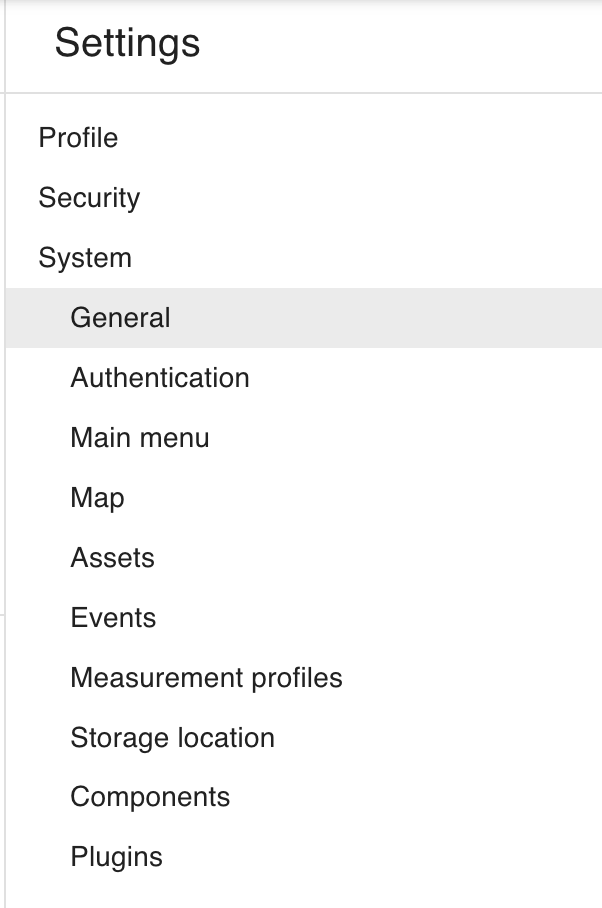
Go to General system settings and scroll down to the Custom support link section.
-
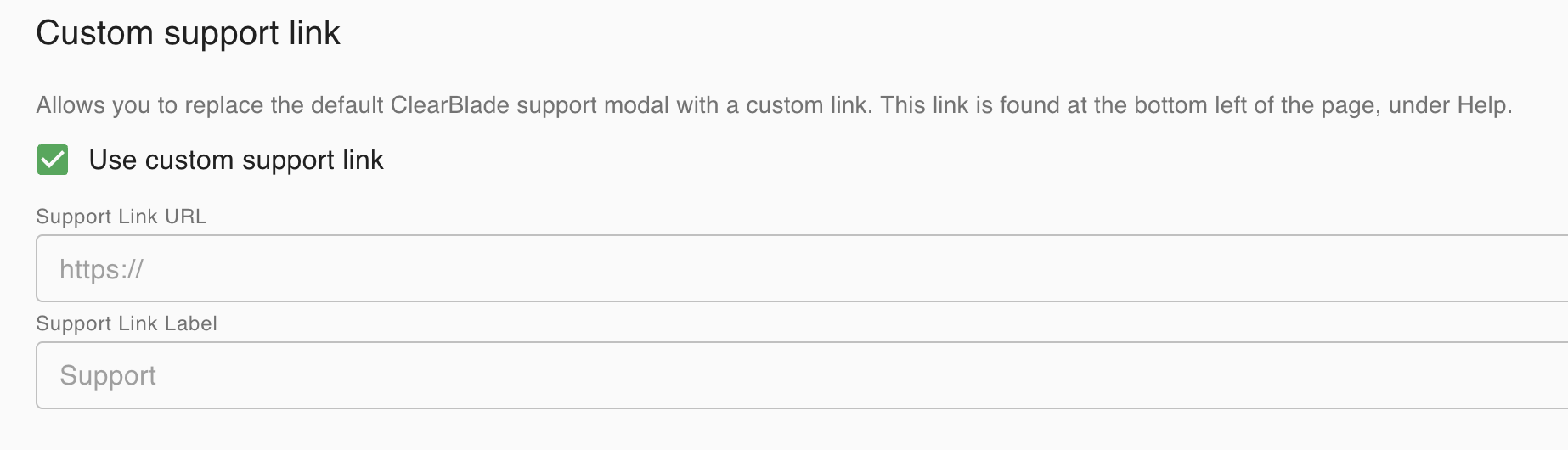
Check the Use custom support link box to add a label and a URL to your support system
-
That’s it. Now if you click on Help on the bottom-left, you will see your support link and be able to navigate to own support system.