
Setting a custom landing page image:
This setting allows a custom image to be displayed on the login screen instead of the stock image.
-
Click the User icon (

-
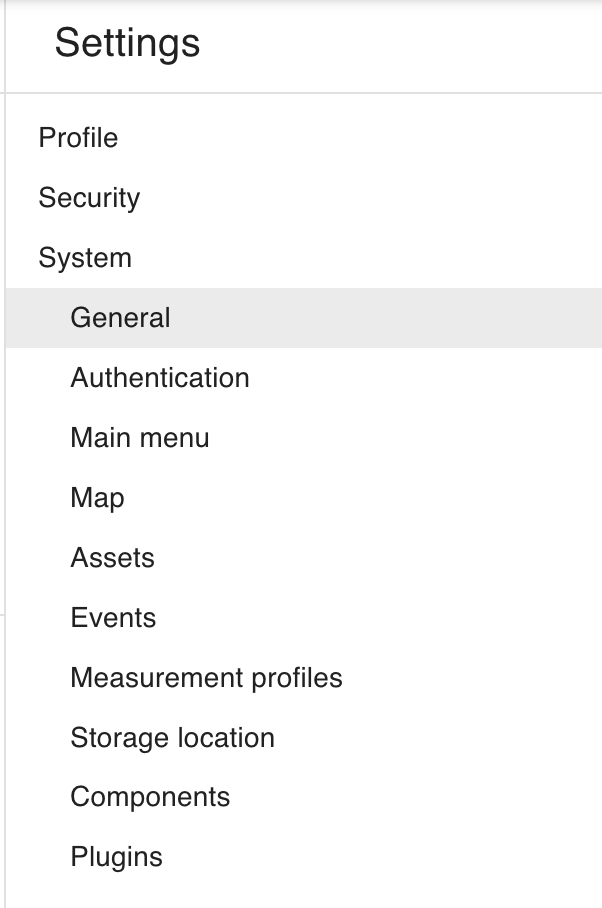
Go to General system settings and scroll down to the Landing page custom image section.
-
Click Upload to either upload a new custom image or replace the existing one. A high resolution image of type
png,jpg, orwebpis recommended.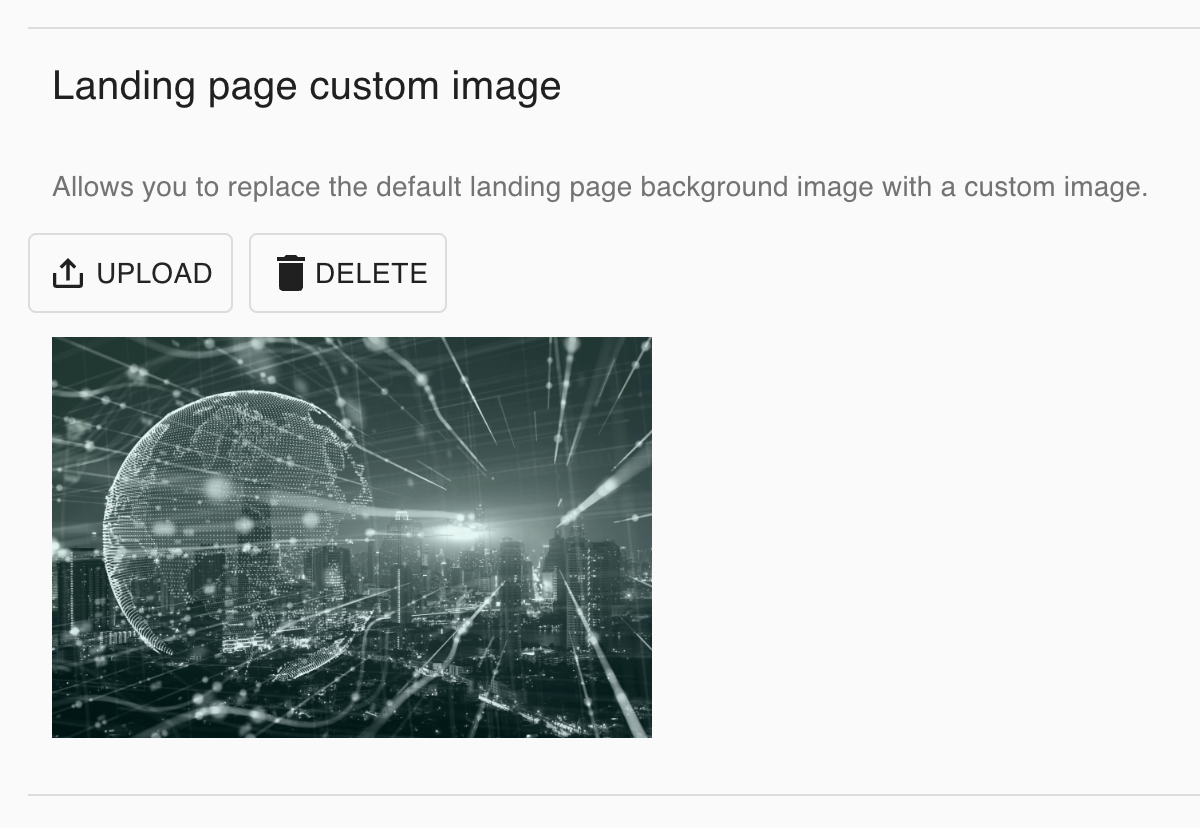
-
Click Delete to remove the custom image and use the default stock image.