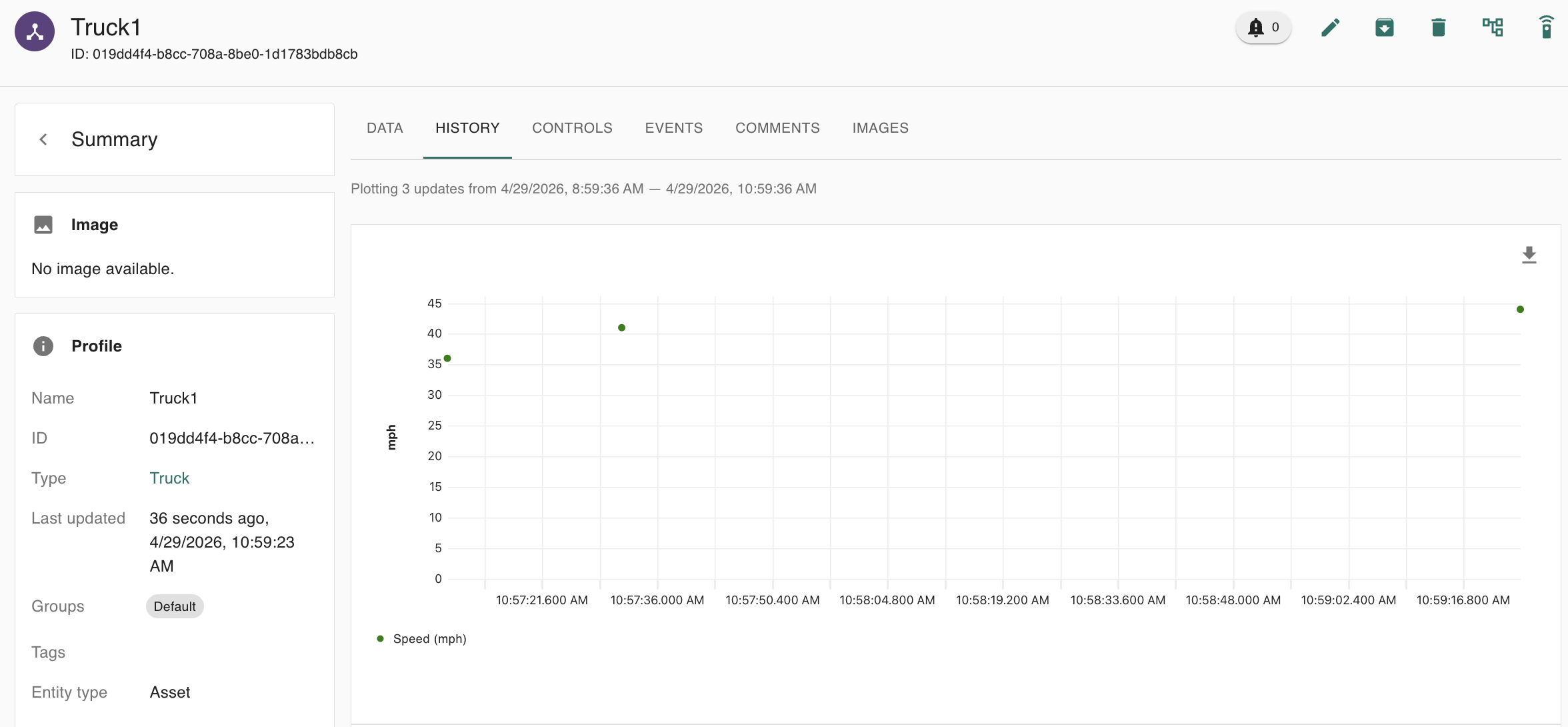
When creating a numerical or boolean attribute on an asset type, you can assign a line gap value. This will allow gaps to appear in the asset history plots, whenever data points are at least the assigned distance apart.
Configuring the line gap value:
-
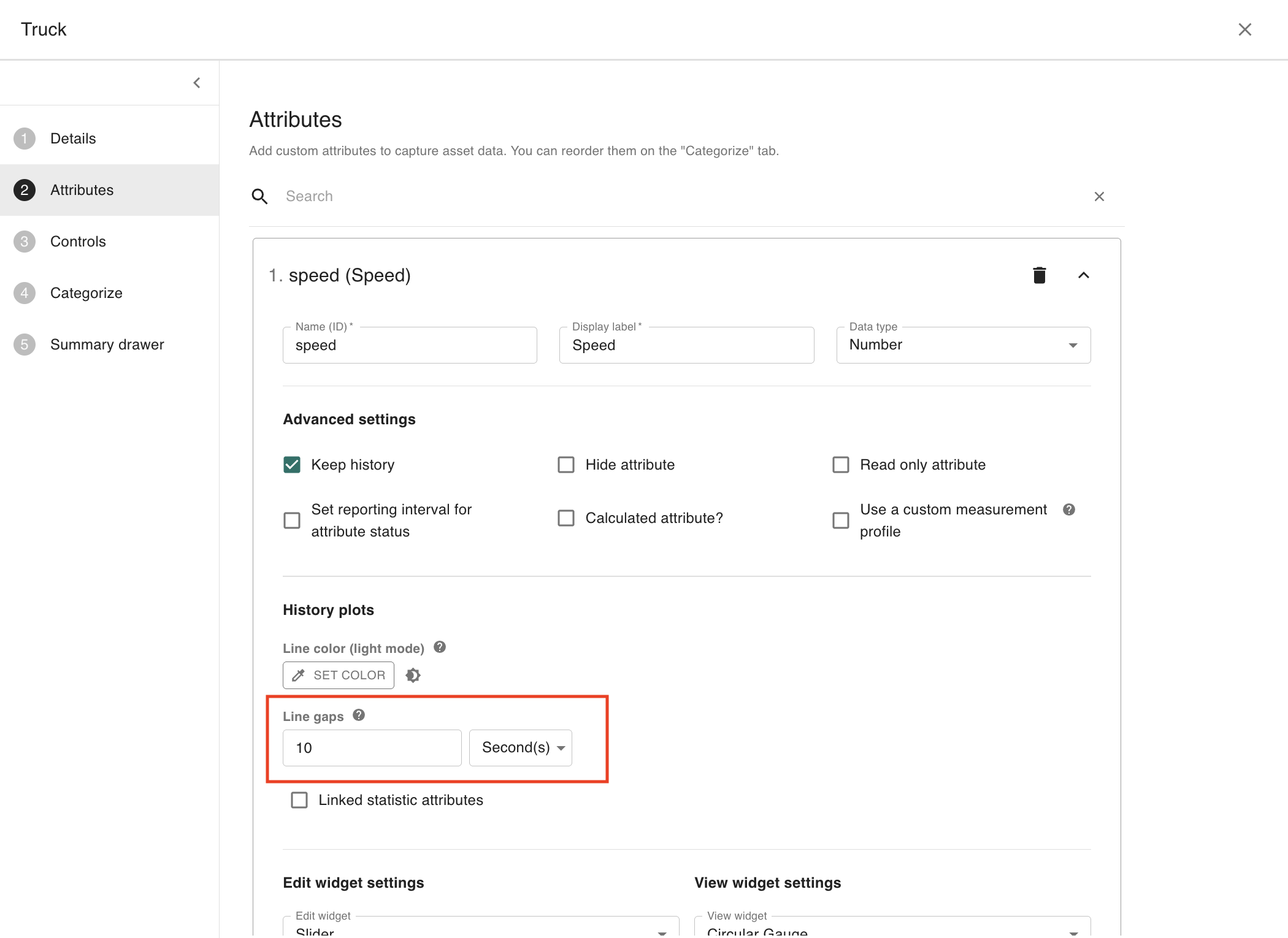
Navigate to the “Attributes” tab of the Asset type edit modal. Here you will find the option to assign a line gap value for each numerical and boolean attribute.
Viewing the result:
-
Navigate to the “History” tab on your asset’s detail page and select the “Plots” view.
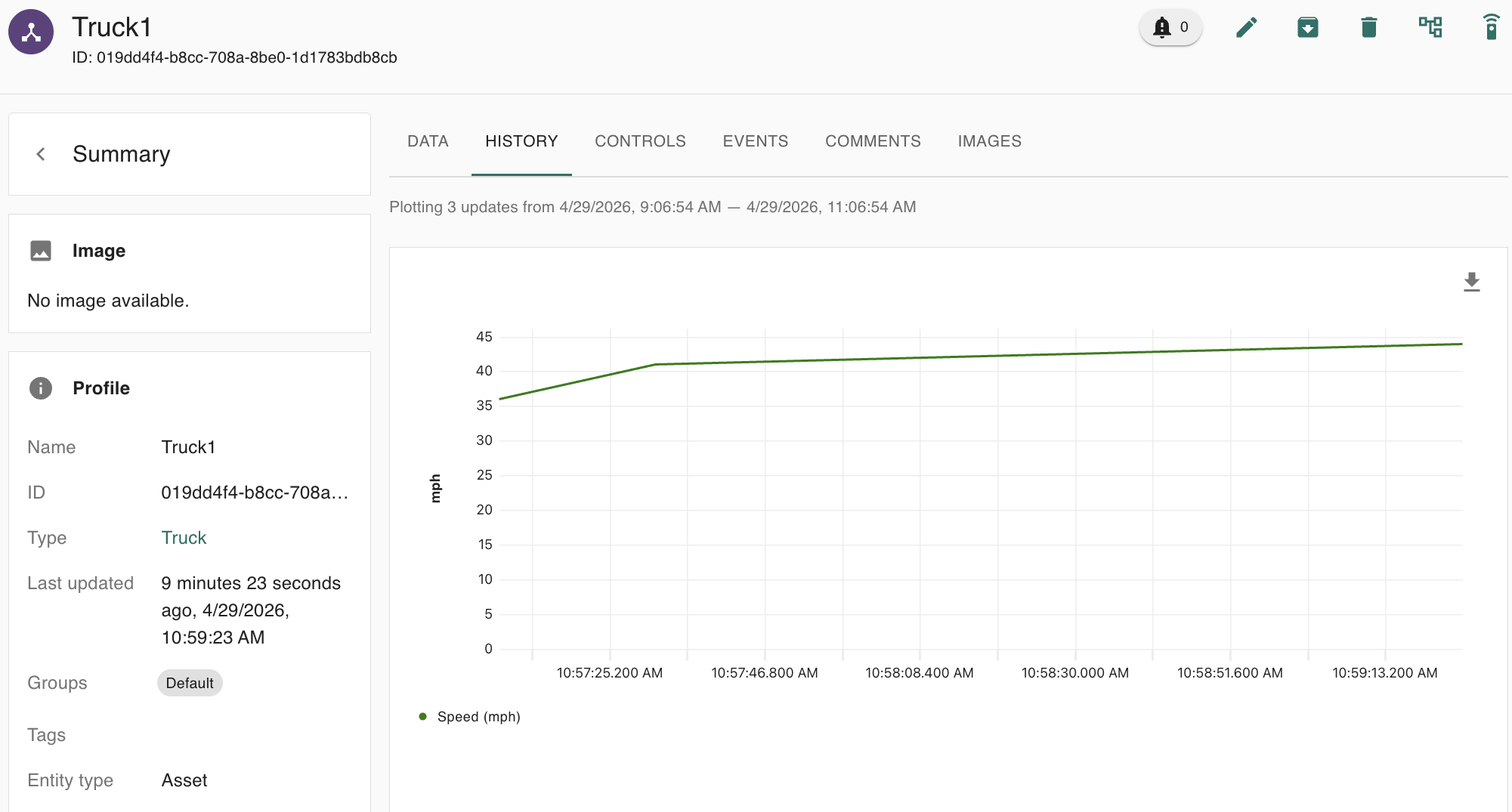
Before selecting a line gap value, all points will be connected by a line:
After selecting a line gap value, any points that are at least the selected distance apart will be disconnected: