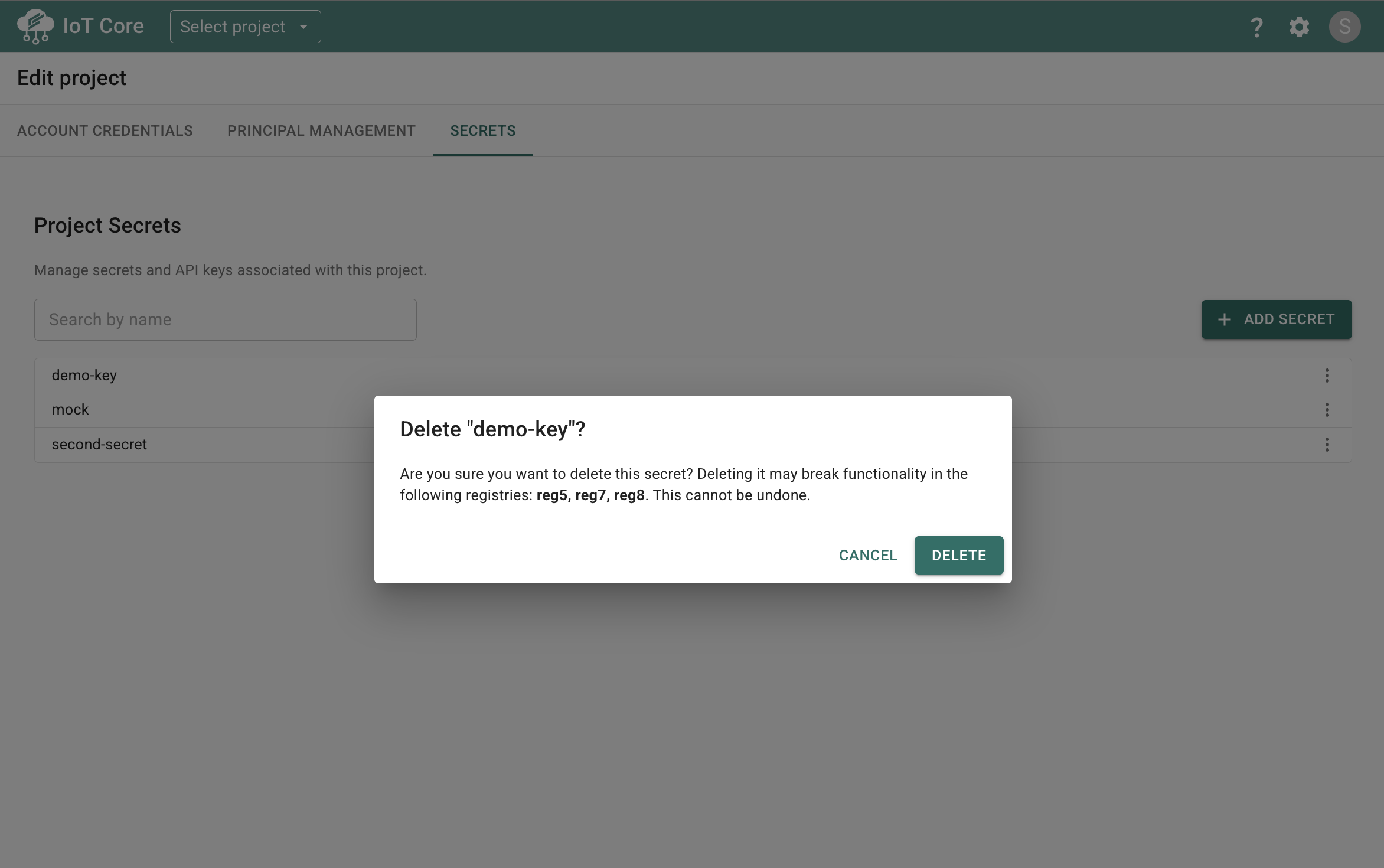
You can store secret values in your project for use within installed components. These may include API keys, tokens, or any other sensitive values that should never be shared publicly.
-
Open the project selector window (drop-down at the top of the page).
-
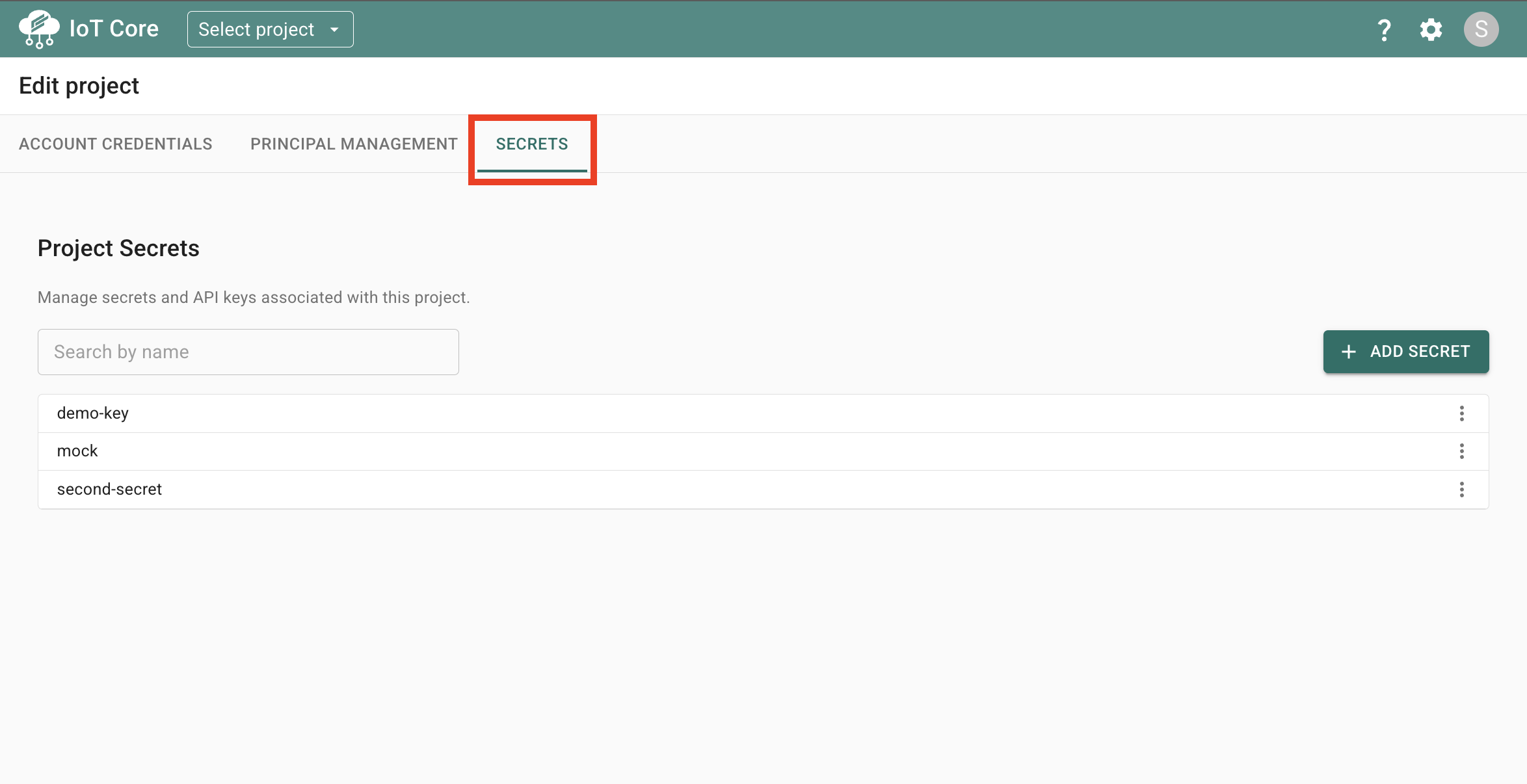
Click the edit icon, and it will navigate you to a location where you can edit settings for your project. Here you will select the “Secrets” tab.
-
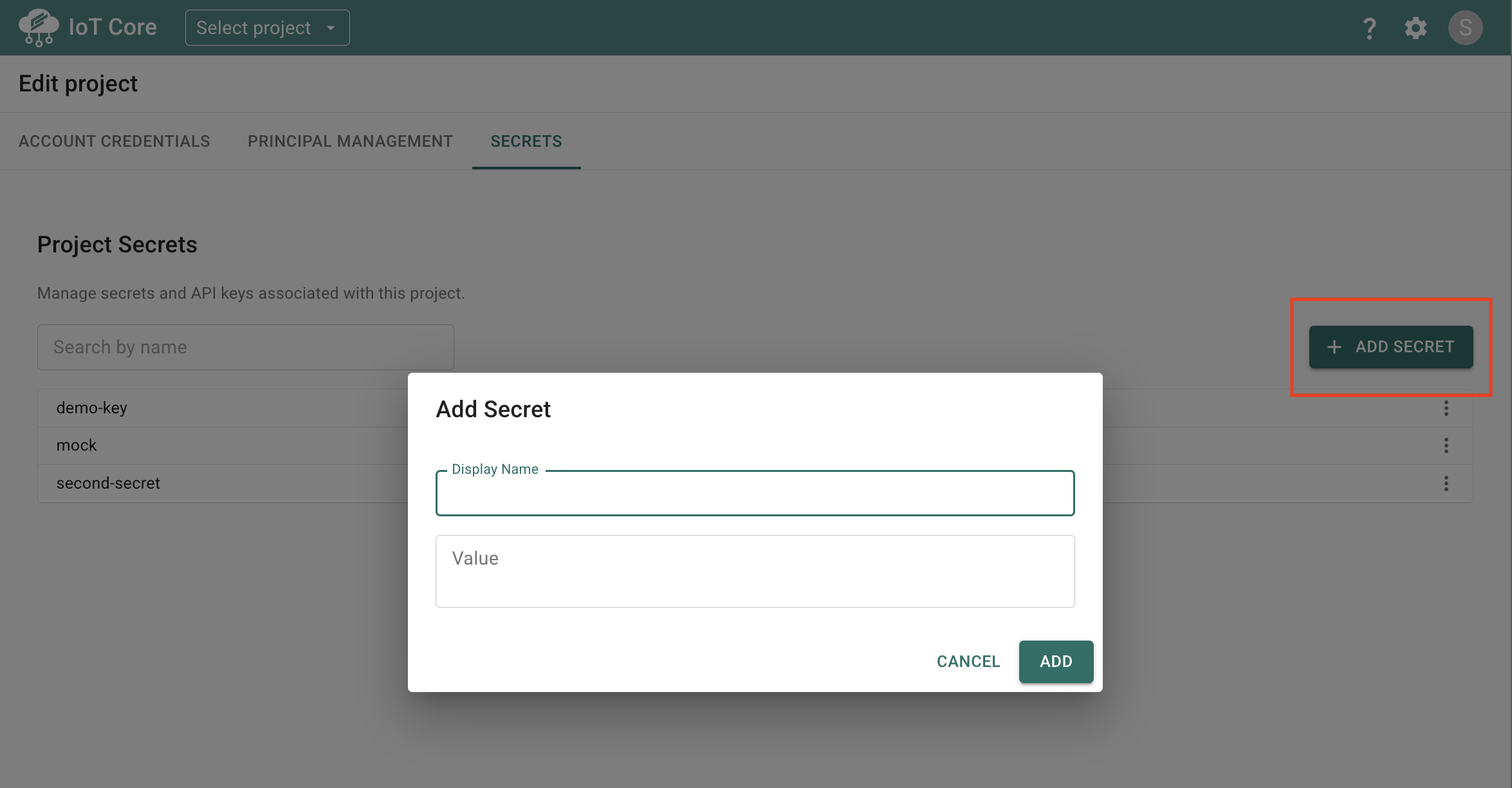
On the Secrets tab, you can view any existing secrets within your project, edit their values, and delete them. To Add a new secret, click the “+ Add Secret” button.
-
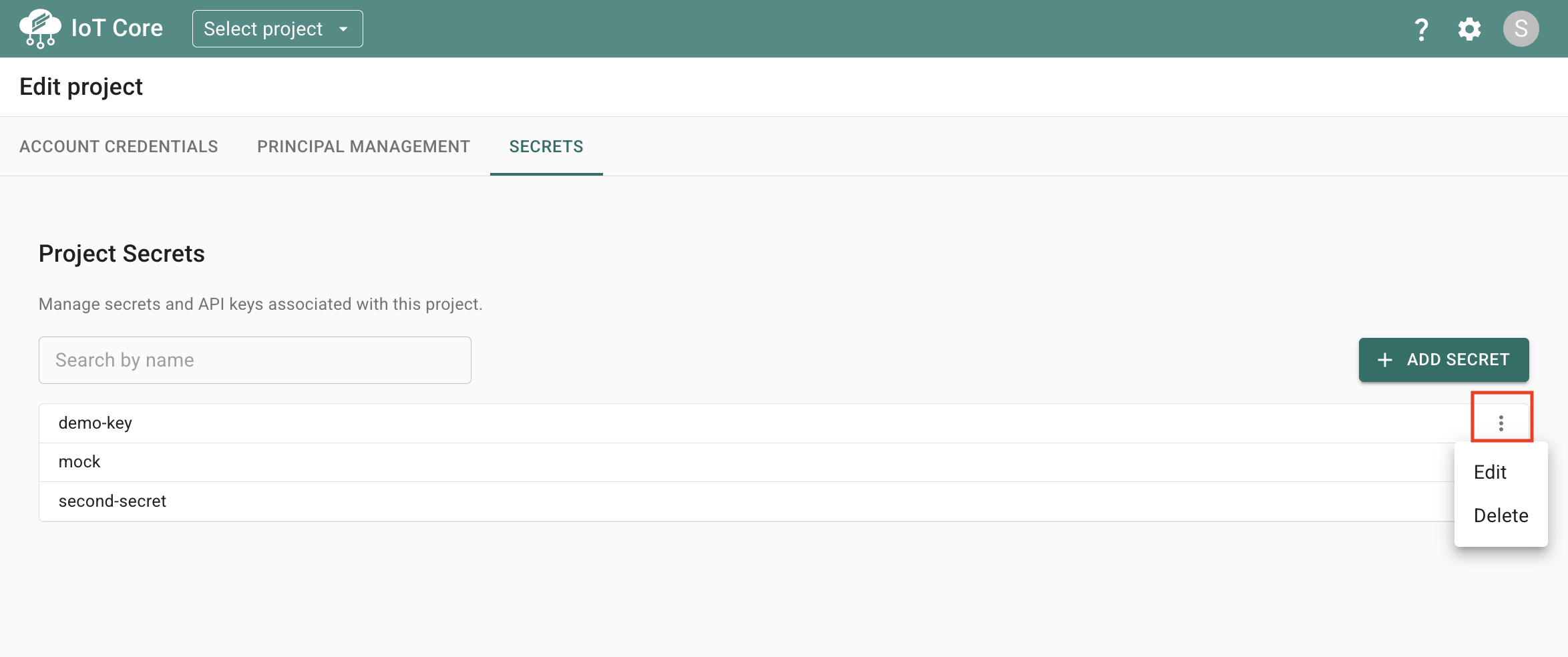
To edit or delete a secret, click the ellipsis menu.
If you try to delete a secret that is being used by components within your project, you will receive a warning before being allowed to delete the secret.