
Within a ClearBlade environment a Developer with Admin privileges can enable Edge Auto Upgrade.
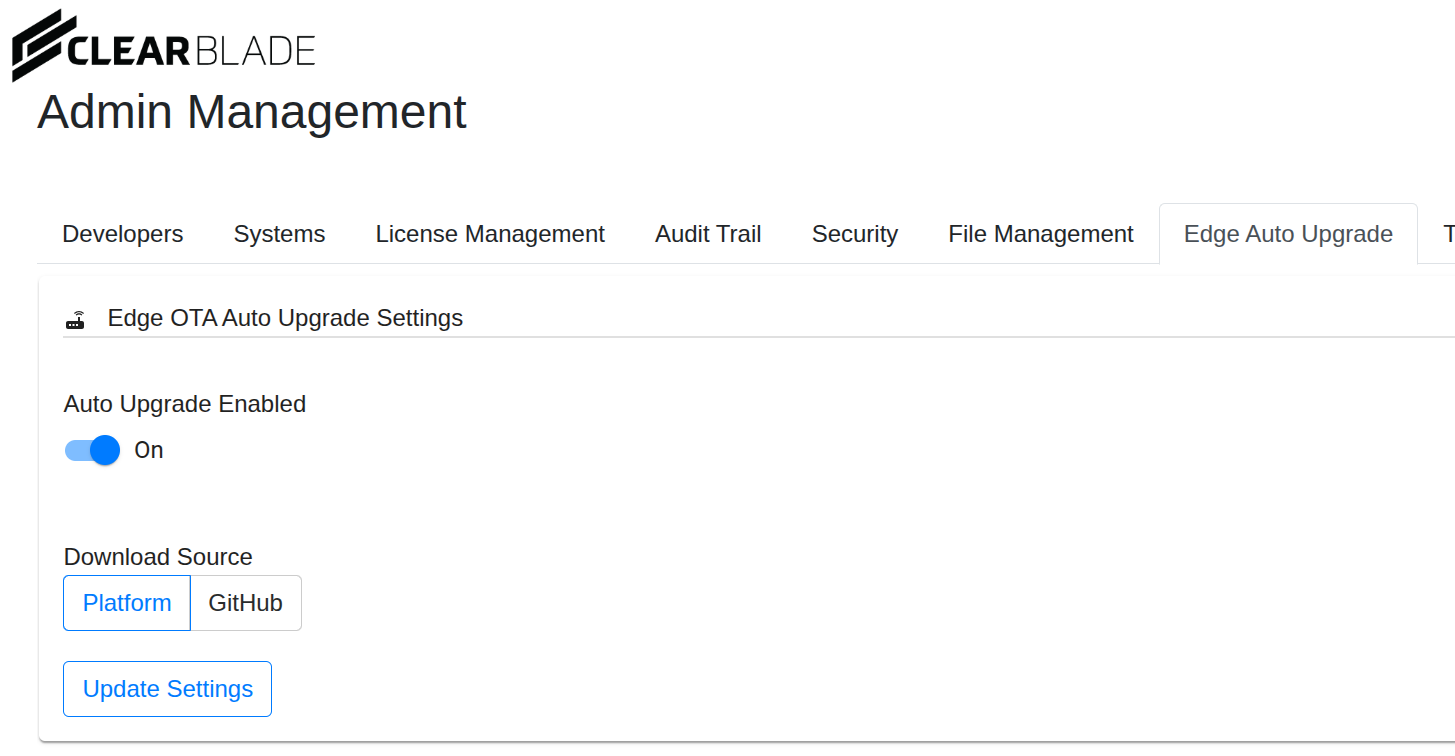
If this is enabled and the platform is upgraded, then edges in systems within the environment start an auto-upgrade process upon subsequent reconnection.
Occasionally the edge auto-upgrade process could fail for various reasons. Examples:
-
RPC failure - edge cannot reach the platform
-
Platform-side failure - platform responded with an error, possibly because a binary was unavailable for the edge’s OS / architecture.
-
Binary download failure
-
Replace/restart failure - perhaps local file permissions on the gateway running the edge prevented saving the new binary
-
Timeout - the edge successfully replaces the binary and restarts, but does not come back up within the allotted time, hence causing the upgrade to be designated as failed
If an edge fails auto-upgrade then it enters Recovery mode where:
-
The edge stays up and responding
-
It does NOT perform other normal operations
-
It periodically logs a diagnostic message like "Edge is in recovery mode"
CONFIRM IF AND WHY AN EDGE IS IN RECOVERY MODE
To find out if an edge is in recovery mode and the reason why it may have entered recovery mode…
-
Send a GET request to /api/v/2/edges/{systemKey} (https://docs.clearblade.com/iotenterprise/apis) with the following parameters:
-
A required header parameter that is either a ClearBlade-UserToken (the user must have a role with Edge read permissions), or a ClearBlade-DevToken
-
A required systemKey path parameter
-
A required id query parameter (i.e. Edge ID)
-
-
No body is required for the request.
-
In the response look for the in_recovery_mode boolean.
-
If the in_recovery_mode boolean is true look at the recovery_mode_reason for the reason.
EXIT RECOVERY MODE
There are two ways to exit recovery mode
-
Automatically: when the edge is able to re-establish an RPC connection to the platform then it exits Recovery mode.
-
Send a PUT request to /api/{systemKey}/{edgeName}/recovery/exit to force the edge out of recovery mode (version 2025.4 and newer) with the following parameters:
-
A required header parameter that is a ClearBlade-DevToken for an Admin developer
-
-
No body is required for the request.