
When requesting ClearBlade services callers can present credentials as:
-
Username & Password, or
-
Device Name & Active Key, or
-
User / Device Token
In place of a User or Device token, a Developer token can also be used. Developer tokens should be used with caution since they provide full permissions to the caller.
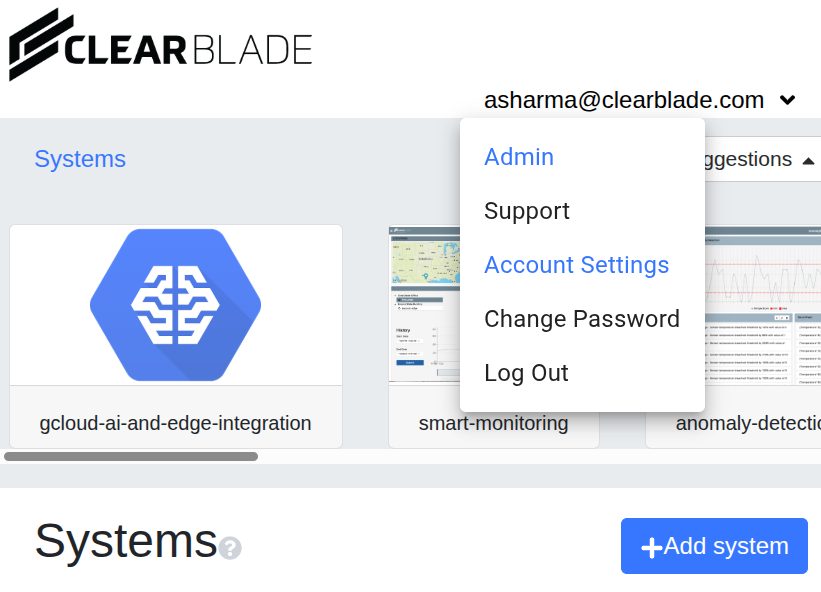
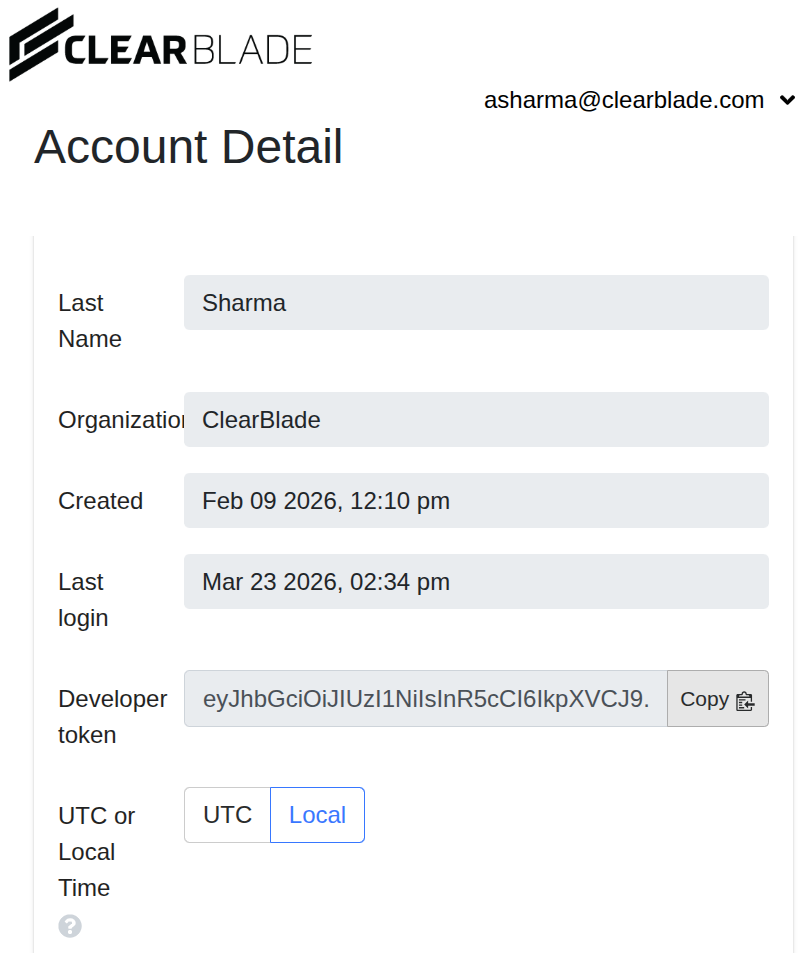
When a Developer is logged into a ClearBlade environment they can access their token by going to Account Settings, then copying the Developer token:
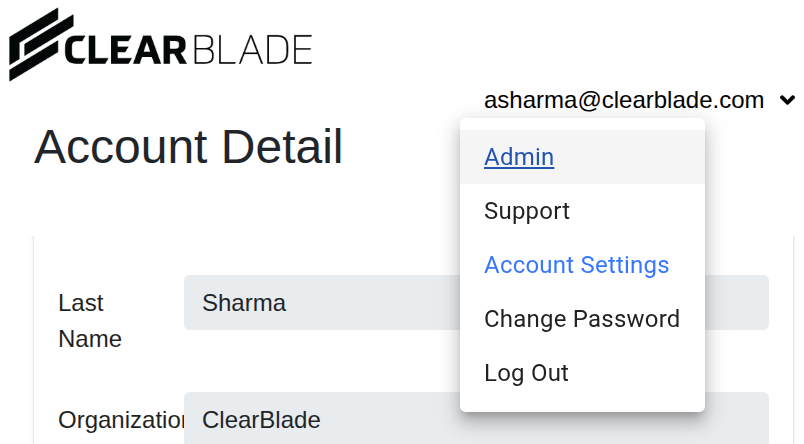
To change the TTL of a Developer token go to Admin >> Security. Then change the Dev Token TTL and click Update.
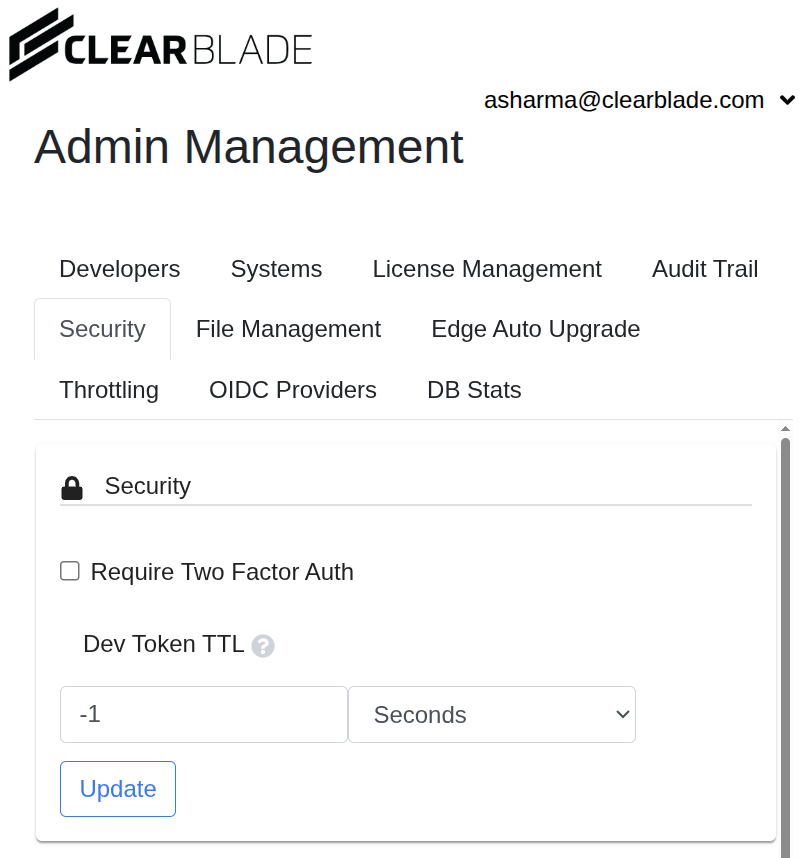
NOTE: As of ClearBlade platform version 2025.4.0 the default Dev Token TTL is 5 days. In earlier versions the default TTL was -1 (Infinite).