
A WebAssembly (abbreviated wasm) is a portable, binary format for holding compiled code that can be called from web client and server applications. General info. can be found here. Details on building and compiling a WebAssembly can be found here.
A WebAssembly can be called by a ClearBlade code-service running on V8. This example shows you how to call a WebAssembly from a V8 code-service. Creation of the WebAssembly is mentioned but is out of the scope of this document.
PREREQUISITES:
-
Tools required to compile a WebAssembly pre-installed. There are several such tools to choose from, e.g. assemblyscript NPM module. Building the WebAssembly is mentioned but is out of the scope of this document.
STEPS:
-
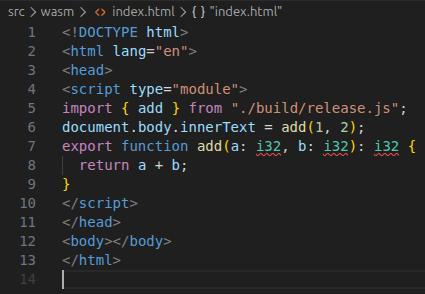
Create your WebAssembly. For example:
-
Edit and save the source…
-
Build the WebAssembly (e.g. npm run asbuild)
-
Look for the generated .wasm file (e.g. build/release.wasm). The .wasm can be renamed.
-
-
Upload the .wasm file to a Bucket:
-
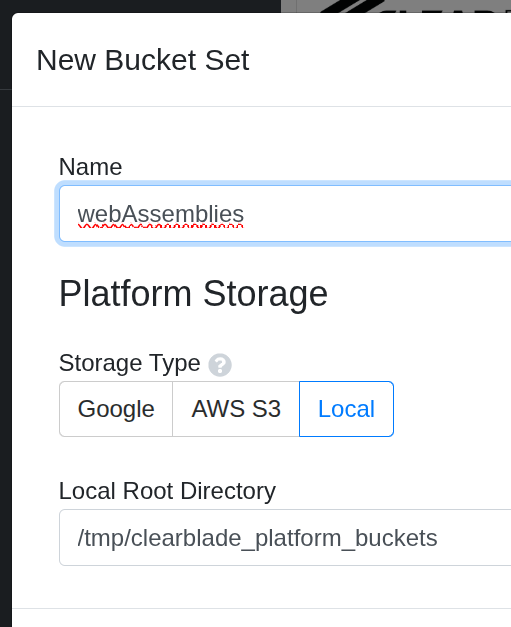
In a ClearBlade system choose Files then Add Bucket Set

-
Name the new Bucket Set and choose the appropriate Platform Storage. Bucket Sets can be stored locally, in a Google Bucket or in an AWS S3 bucket.
-
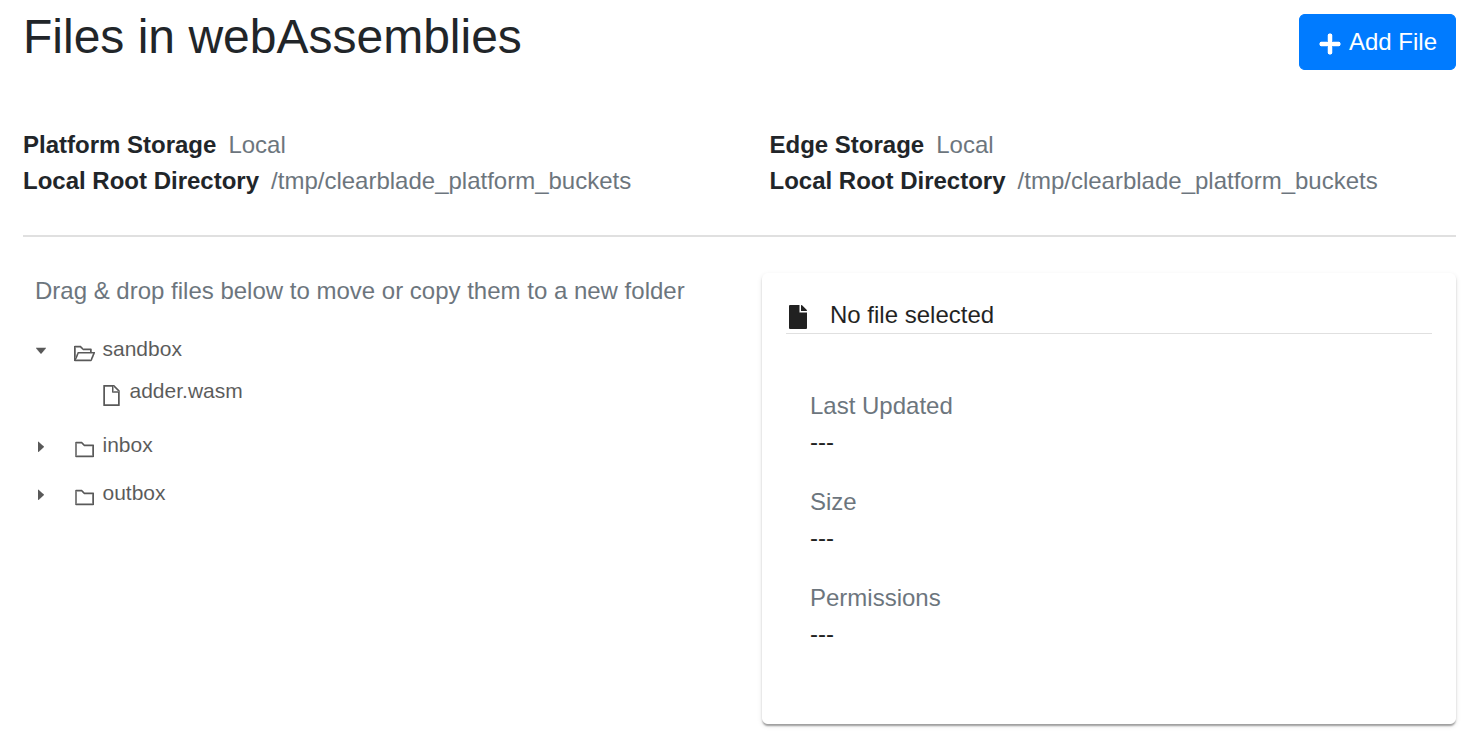
Select Add File, decide if the WebAssembly will be added to the Inbox, Outbox, or Sandbox folder. Then browse to your .wasm
-
-
Write the code-service:
-
Make sure to make the clearblade_async library a dependency of the the code-service or any of its libraries.
-
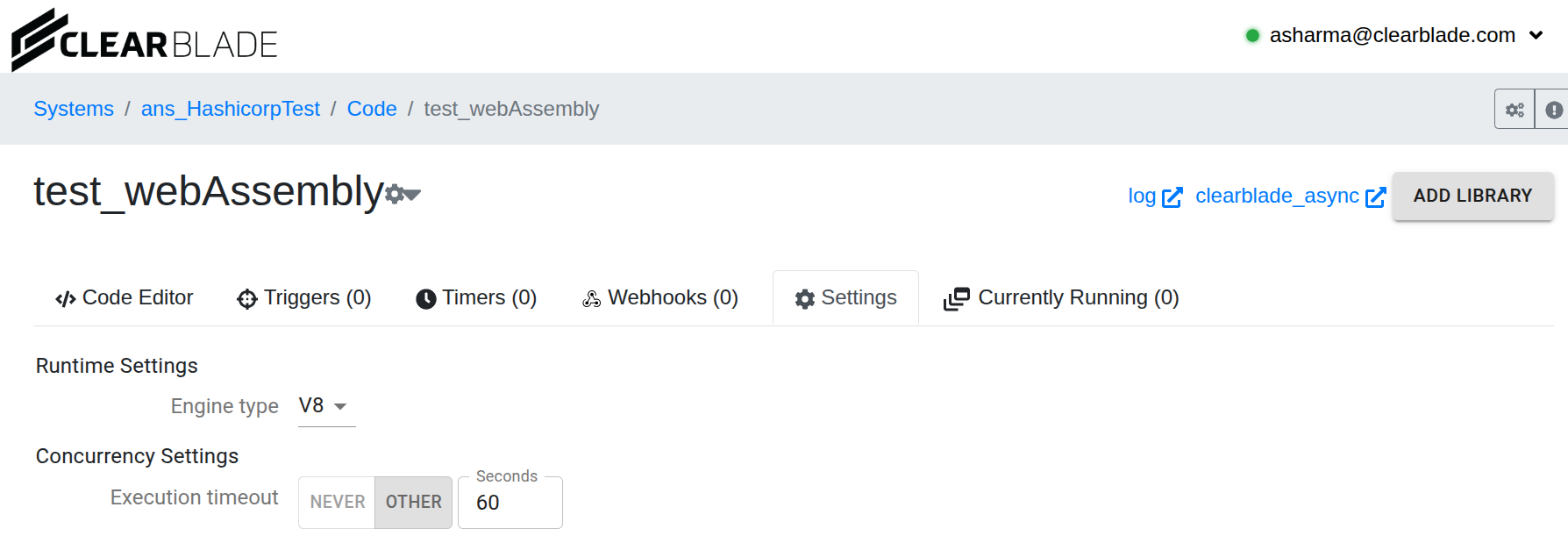
Choose Engine type V8
-
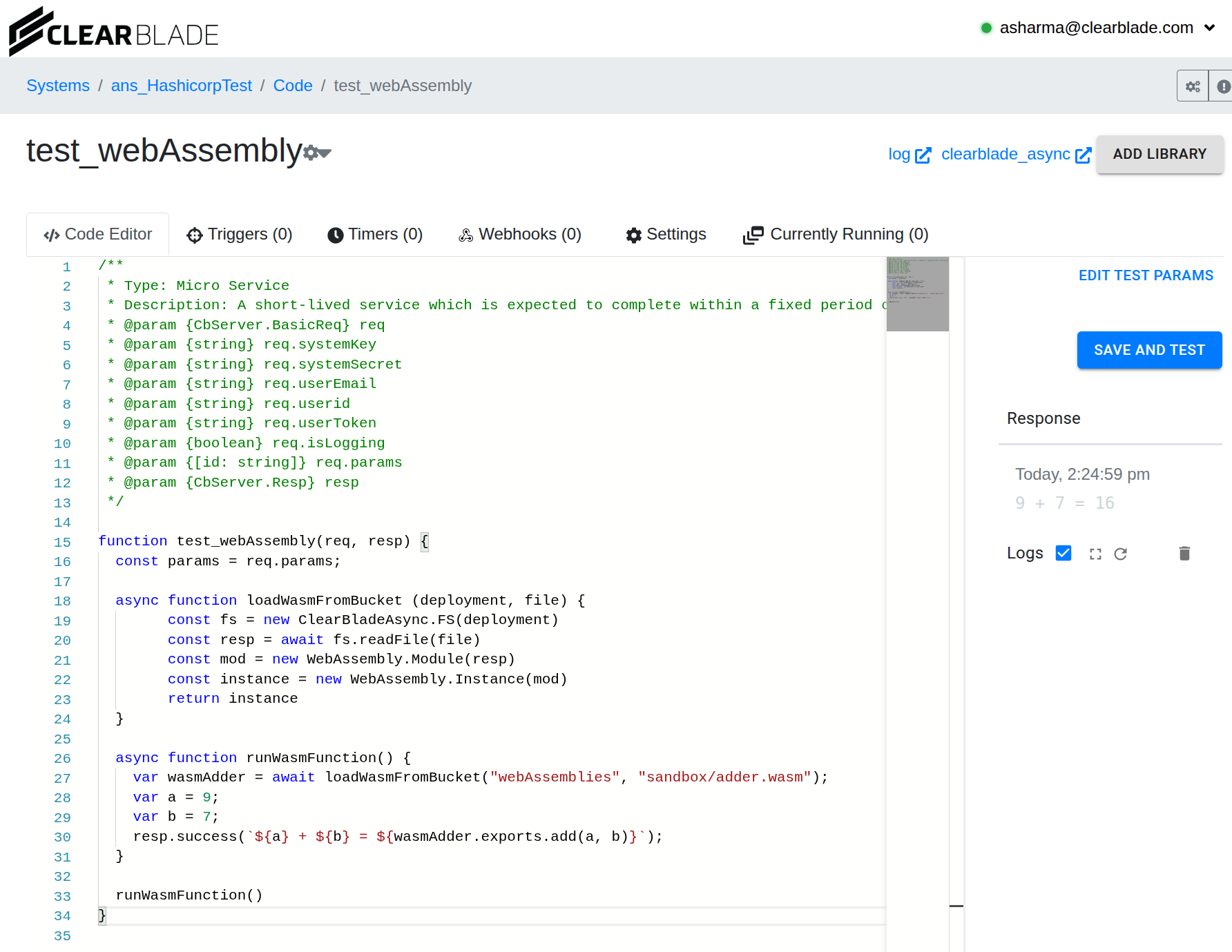
Use a function like this for loading the WebAssembly:
async function loadWasmFromBucket (deployment, file) {
        const fs = new ClearBladeAsync.FS(deployment)
        const resp = await fs.readFile(file)
        const mod = new WebAssembly.Module(resp)
        const instance = new WebAssembly.Instance(mod)
        return instance
  }
This function may be added to a library that can be called from the code-service.
-
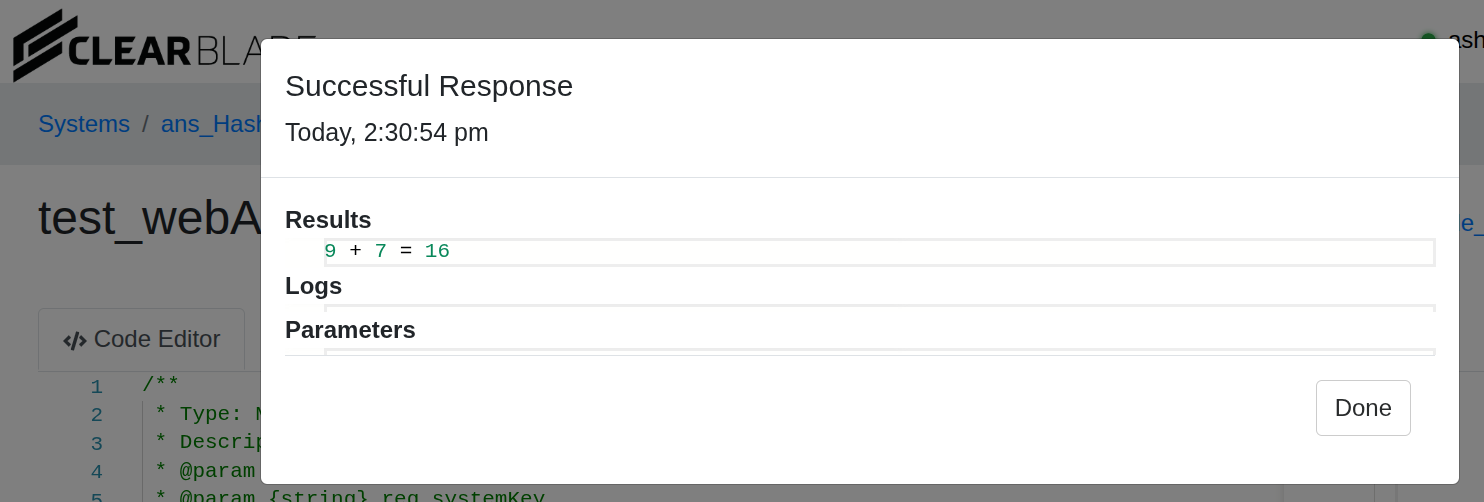
Write the rest of the service, save and test
-