
When the conditions of an IA rule are satisfied, an event is generated. Accompanying the event can be actions like sending emails and SMS messages. To enable such actions, the Email and/or SMS providers need to be configured in your IA system.
For email IA supports Mailgun. For SMS IA supports either Twilio or Bandwidth.
To configure a provider a Secret needs to be added in the backend system behind IA via the ClearBlade developer console.
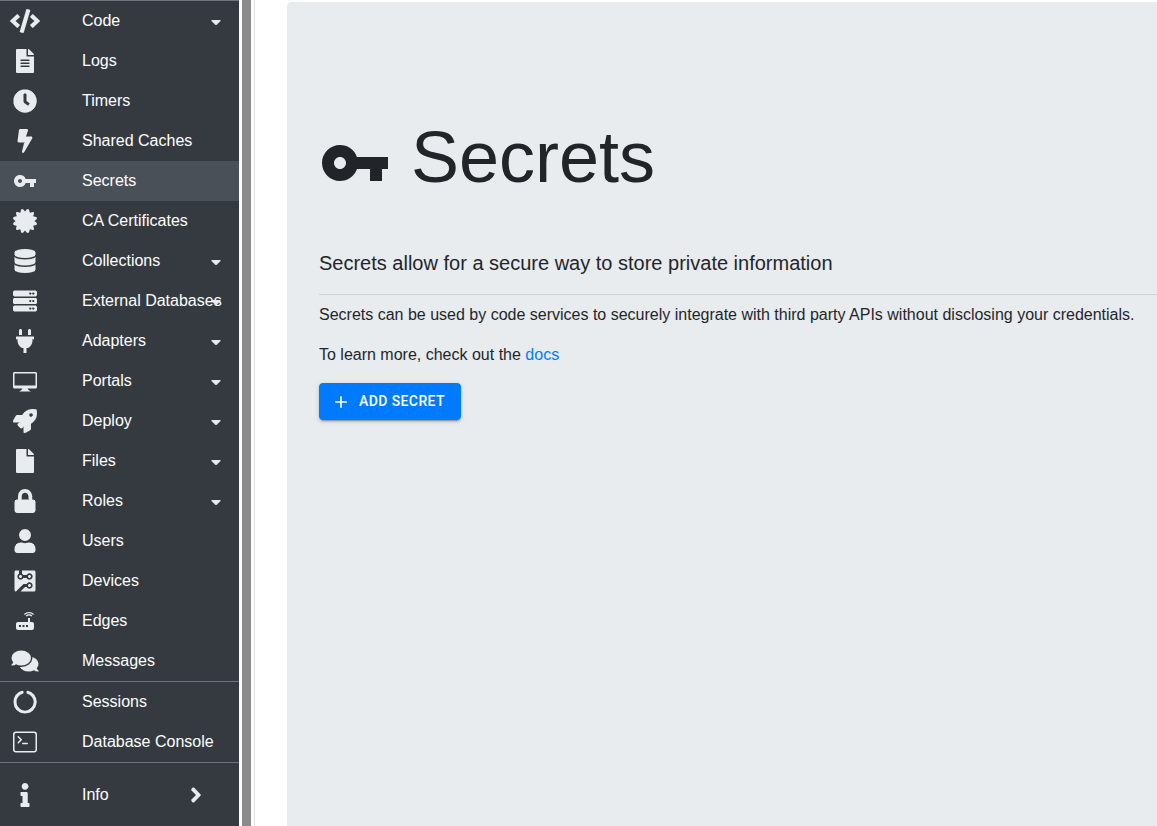
For configuring an SMS provider, create a secret named sms-config with one of the following contents depending on the chosen provider and configuration:
Bandwidth
{
  "SERVICE": "bandwidth",
  "CONFIG": {
    "APITOKEN": "<bandwidth-api-token>",
    "APISECRET": "<bandwidth-api-secret>",
    "ORIGIN_NUMBER": "<bandwidth-origin-number>",
    "ACCOUNT_ID": "<bandwidth-account-id>",
    "APPLICATION_ID": "<bandwidth-application-id>"
  }
}
Twilio SMS
{
  "SERVICE": "twilio",
  "CONFIG": {
    "USER": "<twilio-user>",
    "PASS": "<twilio-pass>",
    "SOURCE_NUMBER": "<twilio-source-number>"
  }
}
Twilio Messaging Service
{
  "SERVICE": "twilioMessagingService",
  "CONFIG": {
    "USER": "<twilio-user>",
    "PASS": "<twilio-pass>",
    "MESSAGING_SERVICE_SID": "<twilio-messaging-service-sid>"
  }
}
For configuring an email provider, create a secret named mailgun-config with the following contents:
{
  "API_KEY": "<mailgun-api-key>",
  "DOMAIN": "<mailgun-domain>",
  "SENDER": "<mailgun-sender>"
}